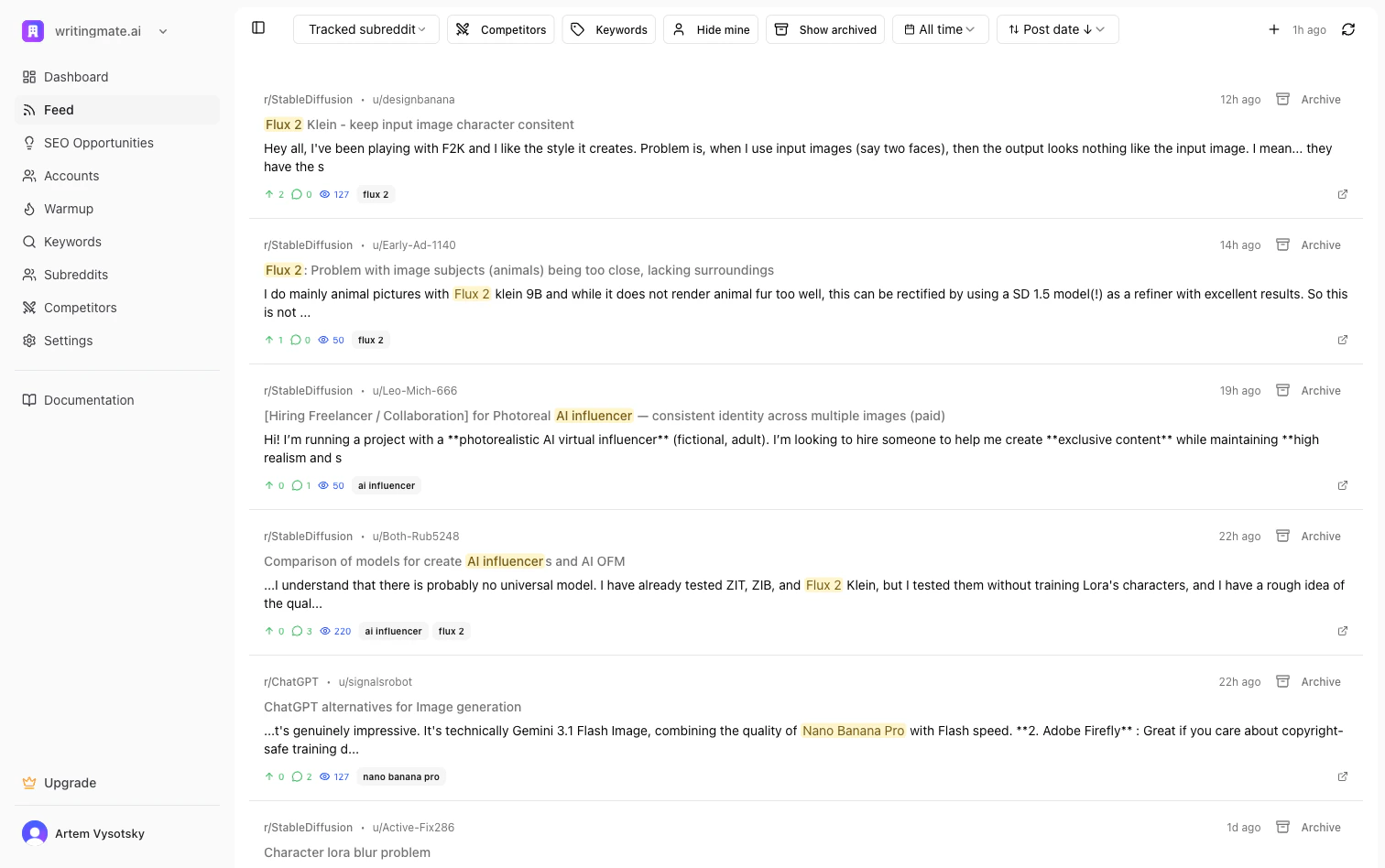
Viewing Posts
Posts are displayed in a two-panel layout:- Left panel: List of posts matching your keywords and filters
- Right panel: Post details and response generation
- Post title
- Subreddit
- Matched keyword
- Priority rating
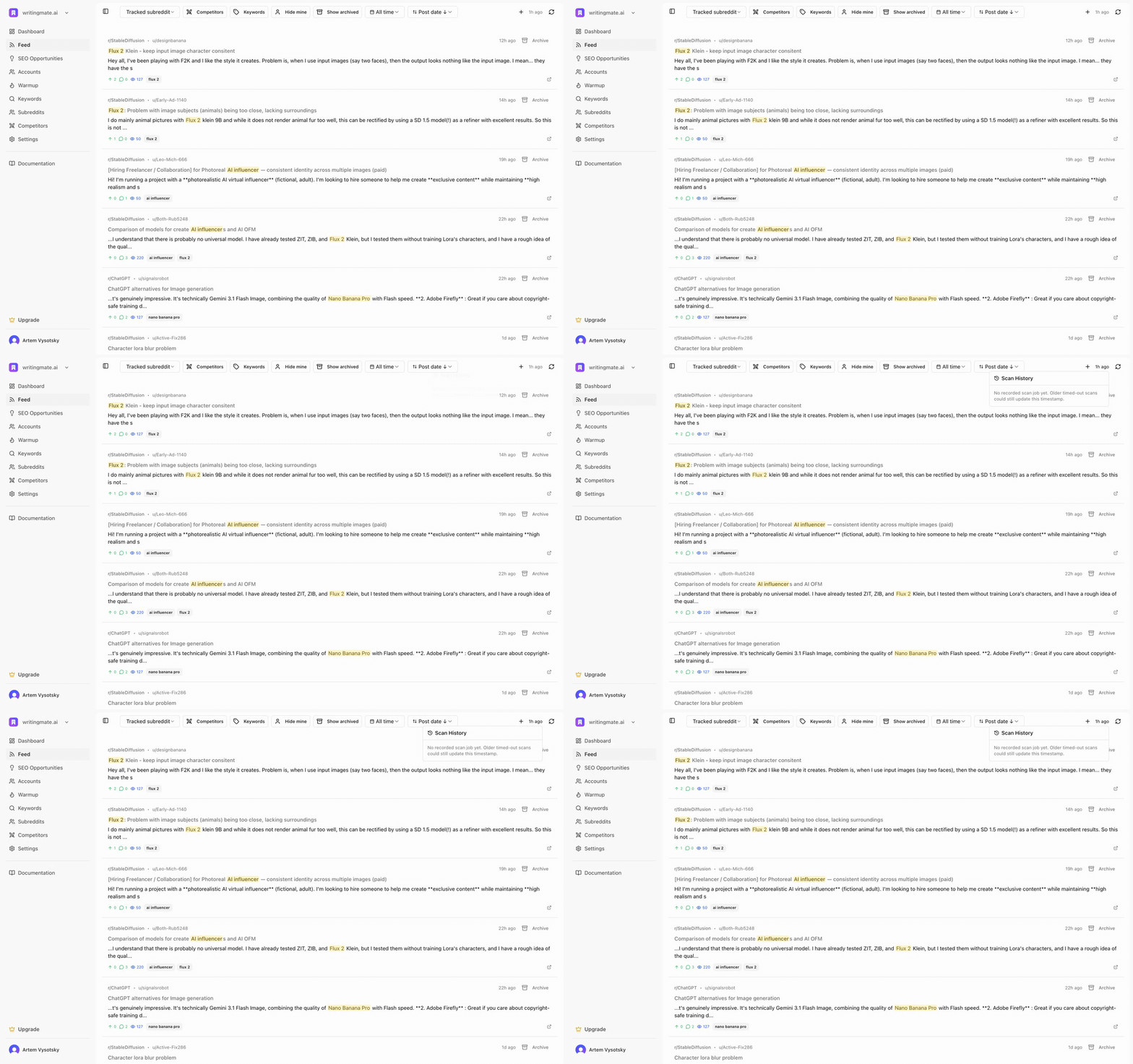
- A relative last scanned timestamp (for example, “32m ago”)
- A Scan History popover with recent completed or failed scans
- A refresh icon to start a scan immediately
Filtering Posts
Use the controls at the top to narrow down your feed:Subreddit Filter
Select a specific subreddit or switch between All Subreddits and your tracked subreddits.Status Filters
- Unanswered: Posts you haven’t responded to yet
- Answered: Posts where you’ve already posted a response
- Skipped: Posts you’ve marked to skip
- Comp: Posts mentioning competitors
Priority Filter
Sort posts by priority to focus on the highest-value opportunities first.Date and Sort Controls
- Date filter: Today, This week, This month, or All time
- Sort menu: Post date, last comment, upvotes, comments, or competitors
Importing Posts
Click the + button to import a specific Reddit post by URL. This is useful when you find a relevant post outside your monitored keywords. The imported post will go through:- Keyword matching
- Priority rating
- Competitor detection
Generating Responses
When you select a post, the right panel shows:- Full post content
- Comment thread
- AI response generator
Generate a Response
- Select a post from the list
- Review the post content and existing comments
- Click Generate to create an AI response
- Edit the response to match your voice
- Post directly or save as draft
- Helpful and authentic
- Non-promotional in tone
- Relevant to the conversation
- Aligned with your company profile
Keyboard Shortcuts
Navigate and manage posts quickly with keyboard shortcuts:Scanning for New Posts
Mentioned runs scheduled scans automatically for eligible workspaces, and you can still trigger a scan manually from the Posts page any time.Manual Scan
- Click the refresh icon in the top-right of the Posts page
- Wait for the spinner to stop
- Check the relative timestamp next to the icon to confirm the latest successful scan
- Click the timestamp to open Scan History if you need to inspect recent runs
What a Scan Does
A scan:- Pulls new Reddit posts for your active keywords
- Imports keyword-related matches from comments when available
- Re-checks competitor mentions
- Rates newly discovered posts for priority and urgency
Response Types
When generating a response, use the Response Type dropdown to set the tone:- Soft Promo: Mentions your product naturally as one option among several
- Direct: More straightforward product recommendation
- Helpful: Focuses on solving the problem first, product mention secondary
Posting to Reddit
After generating and editing your response:- Select which Persona will post the response
- Review the final text
- Click Post to Reddit to publish directly
Post Actions
For each post, you can:- Mark as answered: After posting your response
- Skip: Remove from your active queue
- Archive: Keep for reference without action